
Level Up Your Game: Choosing the Perfect FPS Gaming Mouse
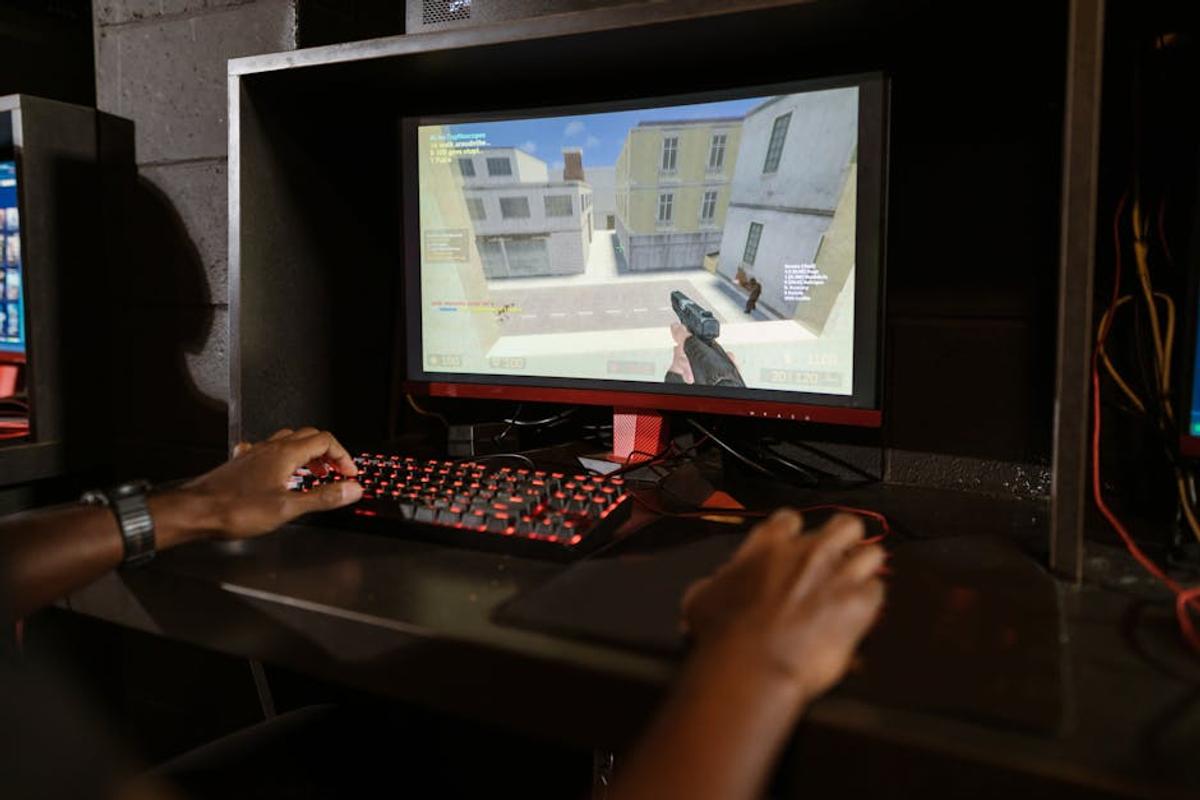
So, you’re serious about dominating the FPS battlefield? You’ve got the skills, the reflexes… but are you using the right weapon? I’m talking about your mouse, friend. Choosing the right gaming mouse can be the difference between clutch victories and frustrating defeats. Let’s dive into how to find the perfect FPS gaming mouse for you.
1. Sensor Sensitivity: DPI and its Importance
DPI (dots per inch) is the holy grail of FPS gaming mice. It determines how far your cursor moves on screen for each inch of mouse movement. Higher DPI means more sensitivity – a tiny mouse movement translates to a large cursor movement. But higher isn’t always better! Do you need 20,000 DPI? Probably not. Many pro players use far less. Find a DPI range that feels natural and allows for precise aiming. Don’t just go for the highest number you see.
2. Polling Rate: How Often Your Mouse Talks to Your PC
Think of the polling rate as the communication speed between your mouse and your computer. Measured in Hz (Hertz), it represents how many times per second your mouse reports its position to your PC. A higher polling rate (e.g., 1000Hz) means more precise and responsive tracking. While the difference between 500Hz and 1000Hz might seem subtle, it can be crucial in fast-paced games. This is another spec that matters more than you might think.
3. Ergonomics: Comfort is King (or Queen!)
Let’s be real: you’re going to be spending hours gripping this thing. Ergonomics is crucial. Do you prefer a palm grip, claw grip, or fingertip grip? Different mouse shapes cater to different grip styles. Experiment! Try mice in-store if possible. A comfortable mouse prevents hand fatigue and improves your overall performance. Don’t compromise on comfort – your wrists will thank you.
4. Buttons: More Isn’t Always Better (But Sometimes It Is)
Extra buttons can be amazing for macros and quick commands. However, too many buttons can lead to accidental presses and confusion. Think about what extra functions you actually need. Programmable DPI switches and extra thumb buttons are popular choices. But don’t feel pressured to have a mouse with 20 buttons if you only need 2 or 3 extra.
5. Weight: Finding Your Perfect Balance
Mouse weight influences your aim and control. Lighter mice are often preferred for quick flick shots, while heavier mice offer more stability for precise aiming. The ‘perfect’ weight is subjective and depends on your grip style and sensitivity settings. Some mice allow you to adjust weight with removable weights – a game changer if you can’t decide! Experiment to see what works best for you.
6. Cable vs. Wireless: The Great Debate
This is a personal preference battle! Wired mice offer lower latency and are typically more reliable. Wireless mice provide the freedom of movement – perfect for those wide sweeps. However, wireless mice need a good battery life and can sometimes introduce minor latency, especially if they’re not using cutting-edge wireless technology. Consider how crucial low latency is for your game before deciding.
7. Budget: How Much Should You Spend?
Gaming mice range from budget-friendly options to high-end models. There’s no need to break the bank. A great mouse can be found at various price points. Look for features that matter to you and choose a mouse that delivers value for your money. Don’t be fooled by flashy aesthetics if the core components aren’t great.
8. Software and Customization
Check out the software offered by the mouse manufacturer. Good software lets you customize DPI, polling rate, button functions, and lighting effects. This level of customization is key for tailoring your mouse to your exact preferences and game setup. Don’t underestimate the power of fine-tuning your mouse’s settings.
9. Reviews: Learn from Others’ Experiences
Before you buy, check reviews from reputable sources. See what other FPS gamers say about the mouse’s performance, comfort, and durability. Pay close attention to reviews that discuss the mouse’s sensitivity, tracking accuracy, and overall build quality. User reviews are invaluable and can save you money and disappointment.
10. Try Before You Buy (If Possible)
If you can, try out a few different mice in person. This will give you a much better sense of their ergonomics and feel. Local computer stores or gaming events might offer the chance to test out different mice before you commit to a purchase. This is the most reliable way to know if a mouse is right for you.
Choosing the perfect FPS gaming mouse is a journey, not a destination. Experiment, find what suits your style, and get ready to dominate the leaderboard!
Frequently Asked Questions
What is DPI and why is it important for FPS games?
DPI (dots per inch) determines cursor movement sensitivity. Higher DPI means more sensitivity, but finding the right balance is key for accurate aiming.
What’s the difference between wired and wireless gaming mice?
Wired mice offer lower latency (input delay), while wireless mice provide freedom of movement. The choice depends on your priority – precision or freedom.
How important is the polling rate of a gaming mouse?
Polling rate (Hz) indicates how often the mouse reports its position. Higher rates mean more responsive tracking and are crucial for fast-paced games.
What is the best grip style for FPS gaming?
There’s no single ‘best’ grip. Palm, claw, and fingertip grips all have advantages. Experiment to find what feels most comfortable and allows for precise control.
What features should I prioritize when choosing an FPS gaming mouse?
Prioritize a comfortable ergonomic design, accurate sensor, high polling rate, and customizable buttons – all within your budget.



Leave a Reply