
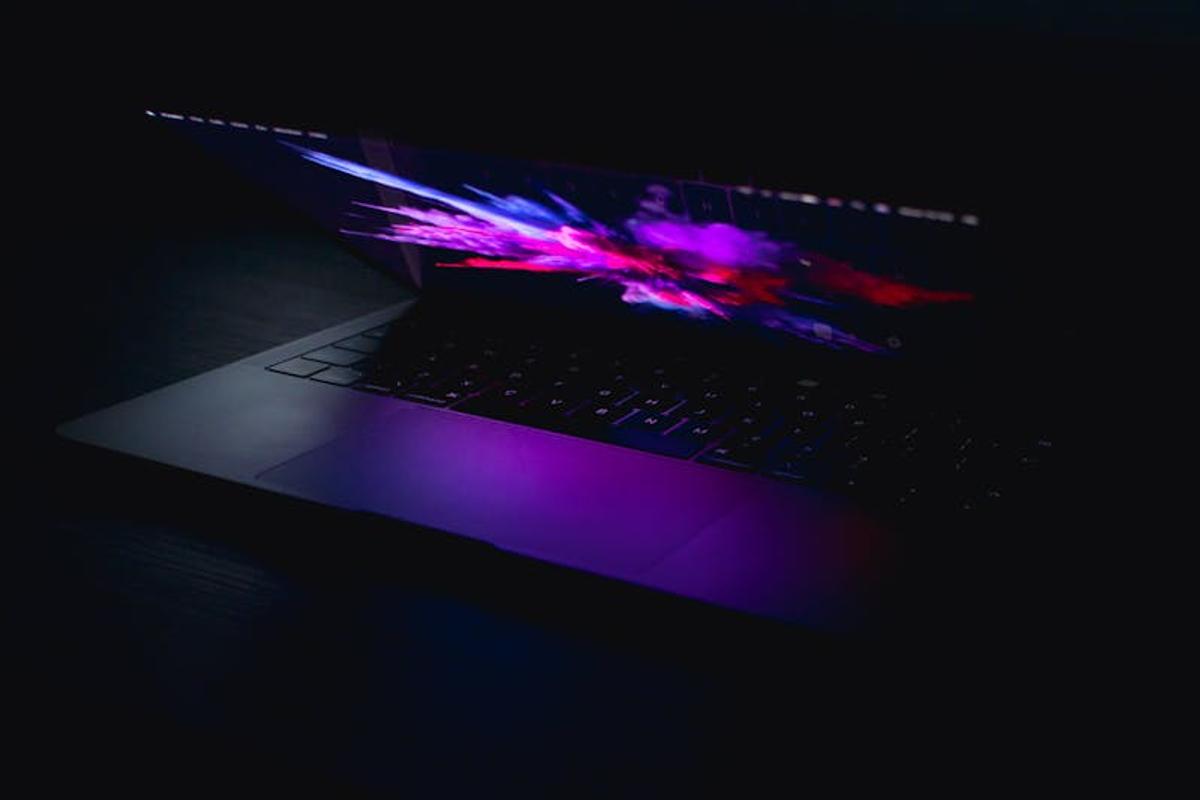
MacBook Pro vs. Dell XPS 15 for Graphic Design: The Ultimate Showdown
So, you’re a graphic designer, and you’re facing the age-old question: MacBook Pro or Dell XPS 15? Both are powerhouses, but which one reigns supreme for your creative needs? Let’s dive into a head-to-head comparison to help you make the right choice.
Design & Aesthetics: A Tale of Two Styles
Let’s be honest, aesthetics matter, especially when you’re spending hours staring at your laptop. The MacBook Pro boasts a sleek, minimalist design with its signature aluminum unibody. It’s undeniably stylish and feels premium in hand. The Dell XPS 15, on the other hand, offers a more modern, angular design with a carbon fiber palm rest (on some models). It’s a bit more edgy, and the smaller bezels give it a more immersive screen experience.
Which one is better? That’s purely subjective. It boils down to personal preference. Do you prefer understated elegance or a bolder statement?
Display: Picture Perfect or Almost Perfect?
Both laptops offer stunning displays, but there are subtle differences. The MacBook Pro typically features a vibrant Retina display with excellent color accuracy, making it a joy for color-critical work. However, the Dell XPS 15 often boasts a higher resolution and potentially a wider color gamut (depending on the specific configuration), potentially offering even more detail and color vibrancy. It’s a close call, but the XPS might have a slight edge for some graphic designers who demand absolute color accuracy.
Performance: Powering Your Creativity
This is where things get interesting. Both laptops offer powerful processors and ample RAM, but the internal components can vary dramatically depending on the specific configuration. Both offer options for high-end processors like Intel Core i7 or i9 or AMD Ryzen processors. The key is to choose a configuration with the specs that match your workload. Do you work with incredibly large files? You’ll want to consider the maximum RAM and storage options offered by each laptop.
Need to handle complex 3D modeling or video editing alongside your graphic design? You’ll likely need a powerful CPU and a dedicated GPU, which is offered by both. Look at benchmarks comparing specific models and configurations to make the best decision.
Operating System: macOS vs. Windows 10
This is a massive deciding factor for many. MacOS is known for its user-friendly interface and seamless integration with other Apple products. It also boasts many industry-standard applications like Adobe Creative Suite, which are often optimized for the macOS environment. Windows 10, while more customizable, can sometimes feel more cluttered. However, Windows has the edge in terms of software compatibility, offering a wider range of software choices, including those not officially supported on macOS.
Ultimately, your choice depends on your workflow and existing software preferences. Are you deeply embedded in the Apple ecosystem, or do you prefer the flexibility of Windows?
Portability & Battery Life: On-the-Go Creativity
Both the MacBook Pro and Dell XPS 15 are designed for portability, but there are differences. The MacBook Pro tends to be slightly thinner and lighter, making it easier to carry around. However, the Dell XPS 15 often provides slightly longer battery life, especially with less demanding tasks. Again, this depends on the specific configuration. If you’re always on the go, the battery life becomes a key consideration.
Price: Investing in Your Creative Future
This is where reality hits. Both laptops can be pricey, especially if you opt for the higher-end configurations with powerful components. The pricing often fluctuates, so it’s essential to shop around and compare prices from different retailers before making a decision. Remember to factor in the cost of additional accessories like a stylus or external monitor.
The Verdict: Which Laptop Wins?
There isn’t a clear-cut winner. The best laptop for you depends on your individual needs and preferences. Here’s a quick recap to help you decide:
- Prioritize design and ease of use? MacBook Pro might be your choice.
- Need the absolute best color accuracy and potentially longer battery life? Dell XPS 15 is a strong contender.
- Prefer the flexibility of Windows and a wider range of software? Dell XPS 15.
- Deeply invested in the Apple ecosystem? MacBook Pro.
- Budget is a major factor? Compare prices for similar configurations.
Ultimately, take your time, research thoroughly, and choose the laptop that best fits your creative workflow and budget. Don’t hesitate to visit stores and test out both models before committing to a purchase.
Beyond the Specs: Considering Your Workflow
This isn’t just about specs—it’s about how you work. Do you prefer using a mouse or trackpad? How important is touch screen functionality (available in some XPS configurations)? Think about these things when making your choice. The right laptop will be an extension of yourself, enhancing your creative process, not hindering it.
Remember: the best laptop is the one that best empowers your creativity.

Frequently Asked Questions
What are the key differences in display technology between the MacBook Pro and Dell XPS 15?
Both offer excellent displays, but the MacBook Pro typically features a Retina display known for its vibrant colors and sharpness, while the Dell XPS 15 often boasts higher resolutions and potentially wider color gamuts, providing even more detail and color vibrancy, depending on the specific model.
Which laptop offers better portability and battery life?
The MacBook Pro tends to be slightly thinner and lighter, making it more portable. However, the Dell XPS 15 frequently offers longer battery life, especially with less demanding tasks, so it depends on individual needs and specific configurations.
What are the major differences in operating systems and their implications for graphic designers?
The MacBook Pro uses macOS, known for its user-friendly interface and seamless integration with Apple products and apps optimized for macOS, like Adobe Creative Suite. The Dell XPS 15 uses Windows 10, offering more flexibility in software choices but sometimes feeling less intuitive. The best choice depends on your preferences and existing software.
How do the pricing and configuration options compare?
Both laptops can be expensive, especially with high-end configurations. Pricing fluctuates; compare models and configurations across various retailers to find the best deal. Consider necessary accessories when budgeting.


Leave a Reply